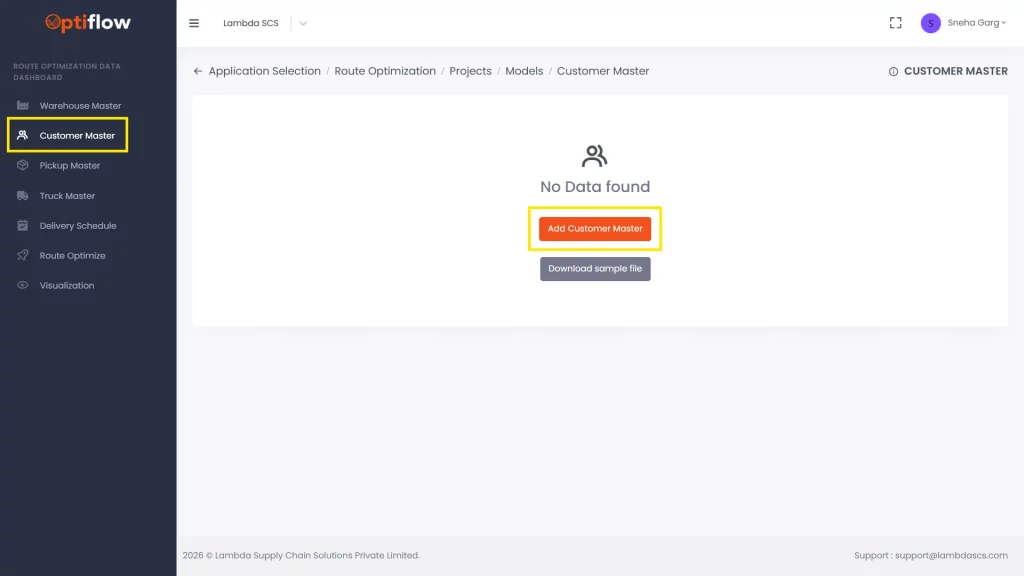
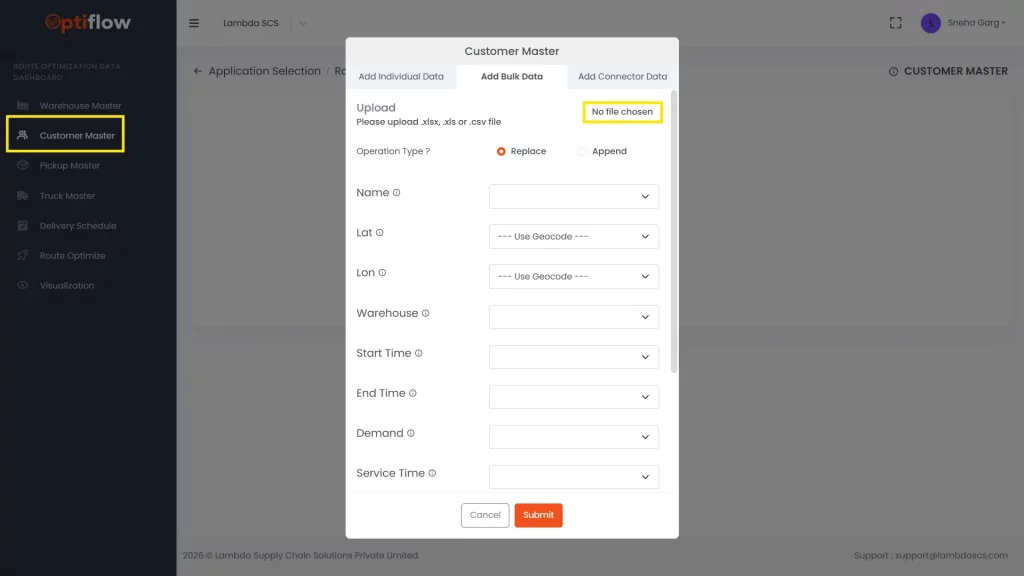
1. Click on “Customer Master” in Data Dashboard and then by clicking on add customer master, you can add individual data or bulk data under respective tabs.
Table Description
Name
Name of the customer to be added in this column.
Lat
Coordinates (Latitude) to be added in this column.
Lon
Coordinates (Longitude) to be added in this column.
Warehouse
Warehouse from which the customer is being served to be added.
Start Time
Customer preferred delivery start time to be added.
End Time
Customer preferred delivery end time to be added.
Demand
Customer weekly demand to be added in this column.
Service Time
Service or unload time per unit quantity to be added in this column. (in seconds)
Min Frequancy
Minimum weekly service frequency for the customer to be added (minimum: 1).
Max Frequancy
Maximum weekly service frequency for the customer to be added (maximum: 5).
Trailers
Preferred delivery truck for the customer can be added.